
For your mother

Hug my late mom video, made from your photos

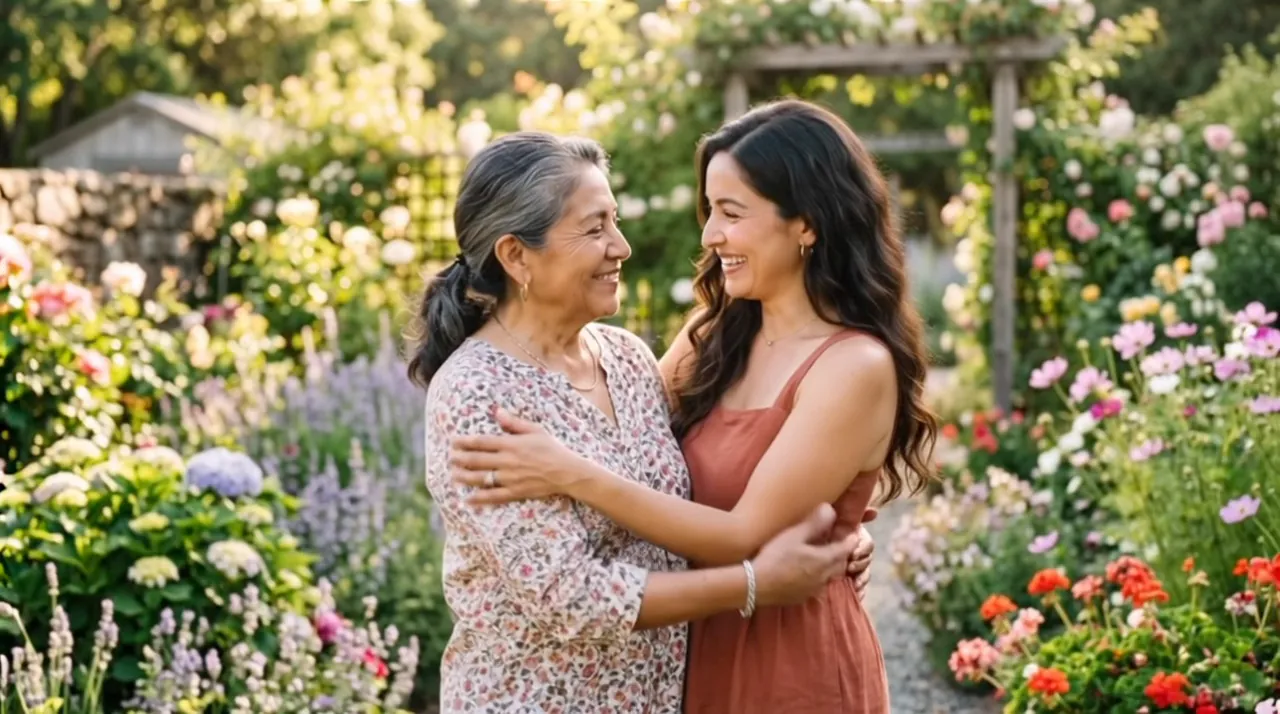
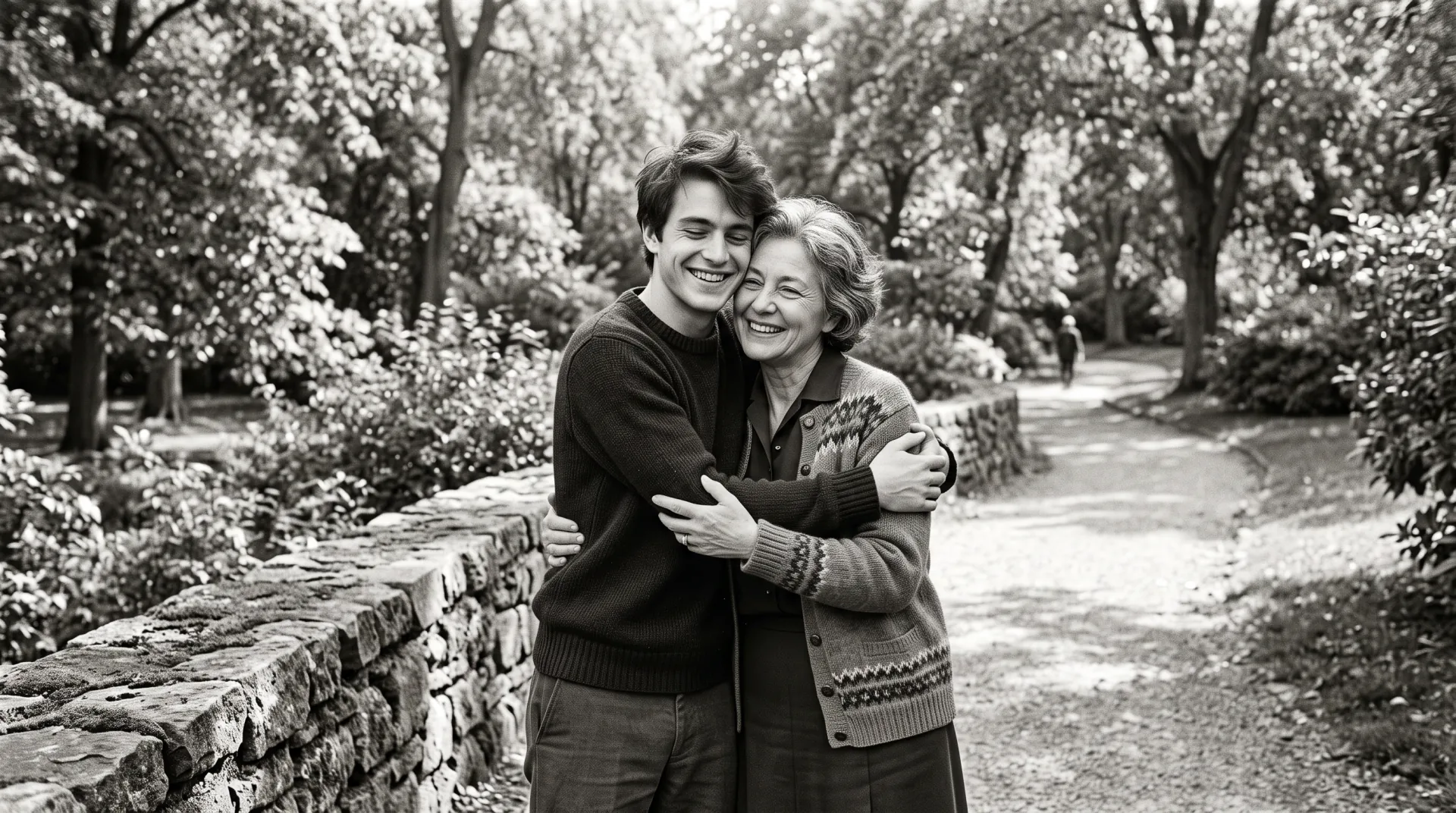
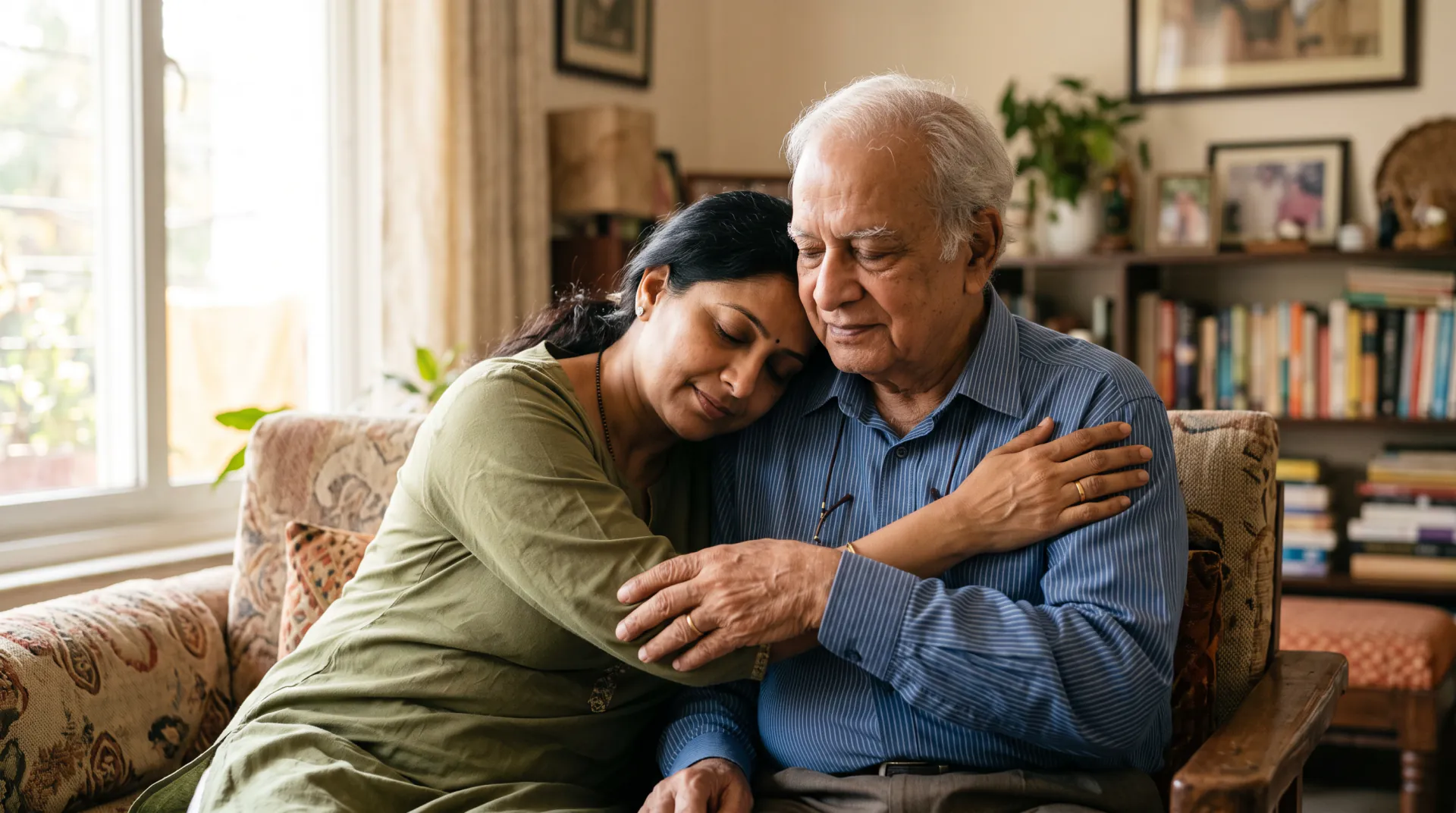
Upload a photo of you and a photo of your mom, from any year, or one photo of the two of you. The video shows you walking slowly toward each other and sharing a long, gentle hug.

  • First 5-second video free
  • Your photo + theirs
  • 5, 8 or 10 seconds
A photo of you and a photo of your loved one, or one photo of you together. PNG, JPEG or WebP, 10 MB each.
Try
Photos
Shape
Resolution
Length

150 credits

Buy credits

Add a photo to begin

At a glance

To make a video of you hugging your late mom, upload a photo of you and a photo of her, or one photo together, and download a 5 to 10 second MP4. Each second costs 30 credits; the first 5-second video is free for a new account, once per network (an IPv4 address or IPv6 /64) every 30 days.

Photos
A photo of you and a photo of your mom, or one photo of you together
Price
30 credits per second; a 5-second video is 150 credits (about $1.36 to $1.50)
Free to try
First 5-second video free for a new account, once per network (an IPv4 address or IPv6 /64) every 30 days
Length
5, 8 or 10 seconds

A gentle hug with your mom

  • 01

    Any photo of her

    A recent photo or one from decades ago, in color or black and white. The clearest face works best.

  • 02

    A place she loved

    Name her garden, her kitchen or a favorite beach, and the hug takes place there in soft, warm light.

  • 03

    Slow and calm

    You walk toward each other and share a long, tender hug, with a steady camera and no sudden movement.

How to make the video

  1. 01

    Choose two photos

    A clear photo of you and one of your mom, or one photo of you together.

  2. 02

    Name a place

    One line about a place you shared with her is enough.

  3. 03

    Watch it quietly

    Download the MP4 and watch it first in a calm moment.

Choosing a photo of your mom

Pick the photo where her face is clearest, even if it is not the newest one. A face that fills a good part of the frame, looking toward the camera, gives the model the most to keep.

For your own photo, choose one with similar light and framing. If you have a photo of the two of you, try it with One photo of you together; the video then opens on that exact moment.

Choosing the photos

The model can only keep what it can see. A clear face in each photo matters more than the age or quality of the photo.

  • A face that is sharp, well lit and turned toward the camera
  • At least head and shoulders; waist-up photos give the arms room
  • For a printed photo, scan it or photograph it flat in daylight, without glare
  • Crop a group photo so your loved one fills most of the frame
  • No sunglasses, heavy filters or stickers over faces
  • In one photo of you together, a little space between you

A gentle note before you begin

A memorial hug video is an AI recreation made from your photos. It is not a recording, and it cannot show a moment that really happened. Small details, such as hands or the way someone moves, may look different from how you remember them.

Watching it may feel emotional. Take your time, watch it first in a quiet moment, and share it only with people who would want to see it. You can ask us to delete your photos and videos, or your whole account, at any time by writing to [email protected].

Questions about a video with your mom

Can I use a photo of my mom from when she was young?

Yes. Each person keeps the age shown in their own photo, so a young photo of her and a recent one of you meet as they are.

Can the video include her voice or words?

No. The video is made from photos only and cannot copy anyone's voice, and it is not designed to show written words. Add your own message when you share it.

Will it look exactly like her?

It is an AI recreation, so it may differ in small ways. The instruction asks for her face, hair and clothes as in the photo; a sharp, well-lit photo helps most.

One more hug with your mom

Choose a photo of you and one of her, and name a place you shared.

Last updated November 9, 2026

Create your account