Prints, scans and black and white

Make a hug video from an old photo

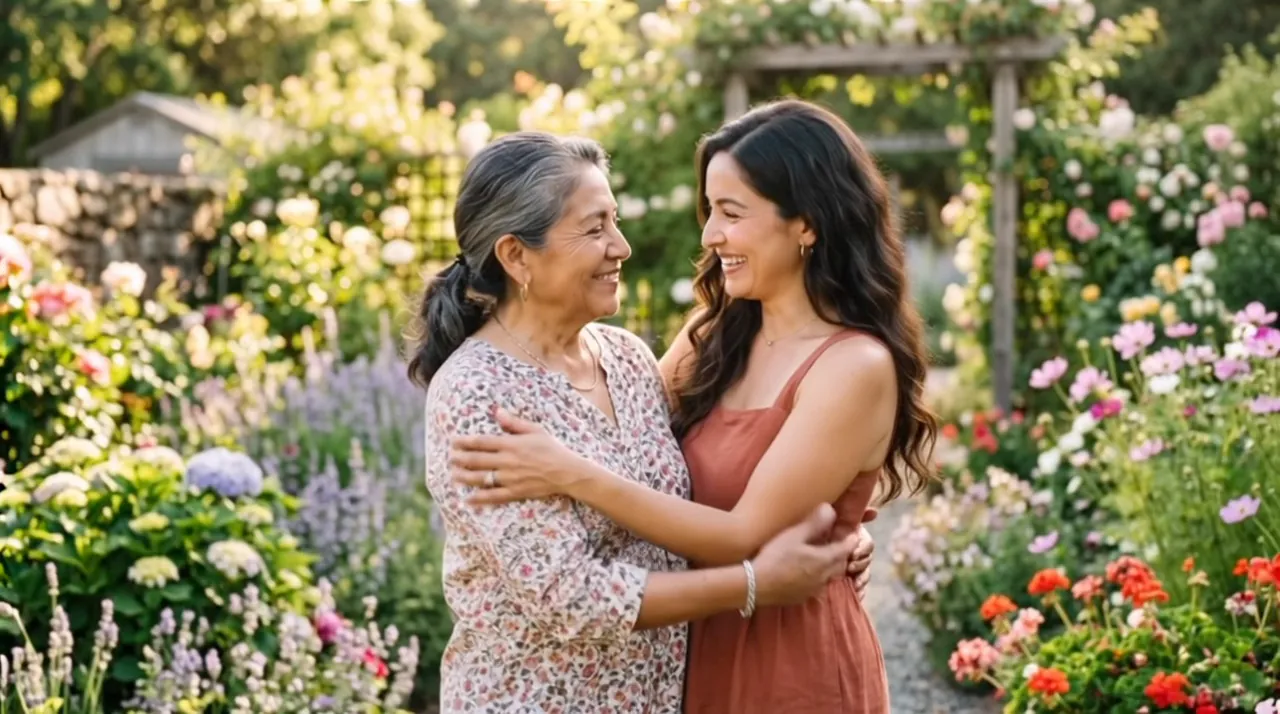
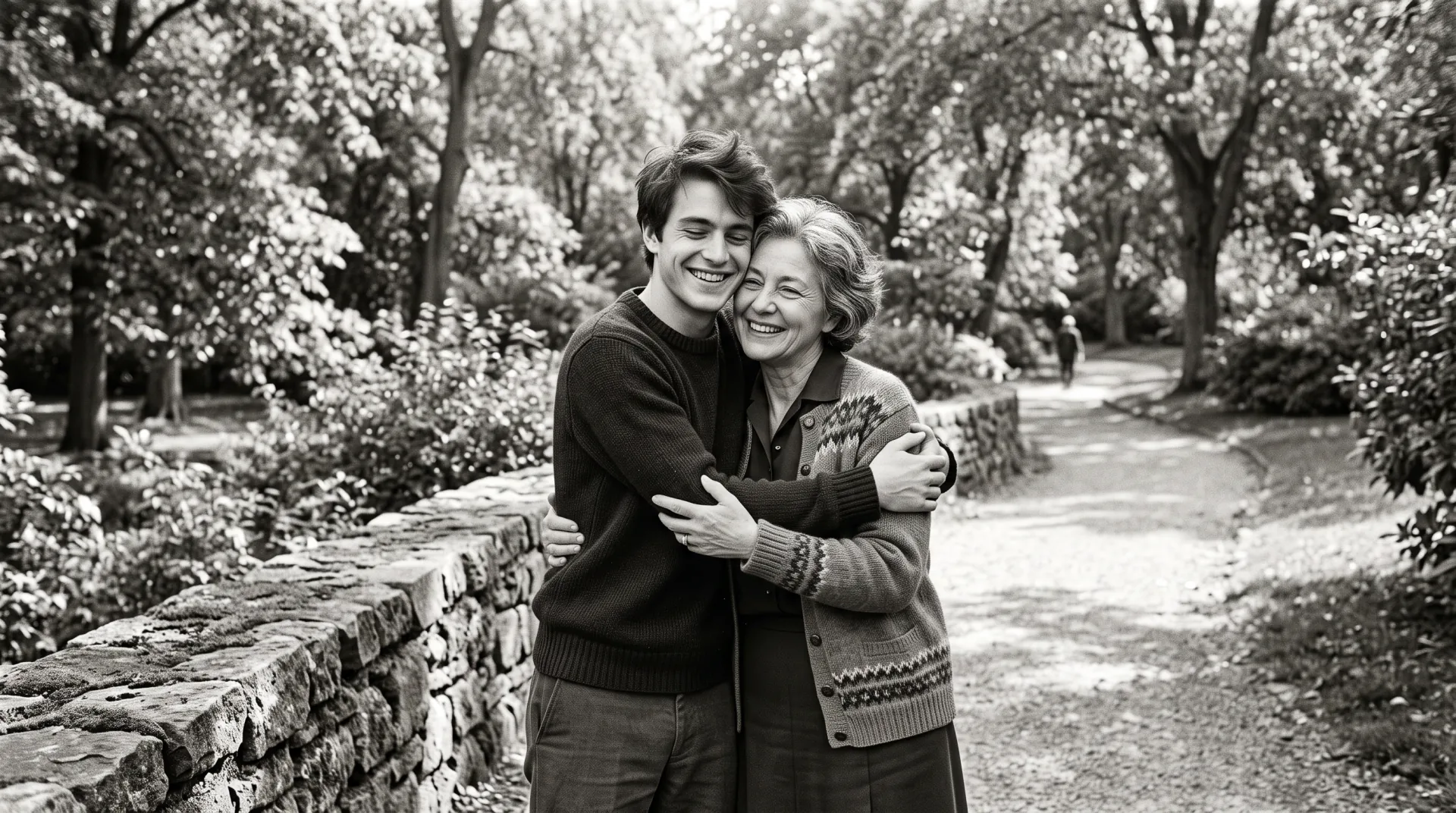
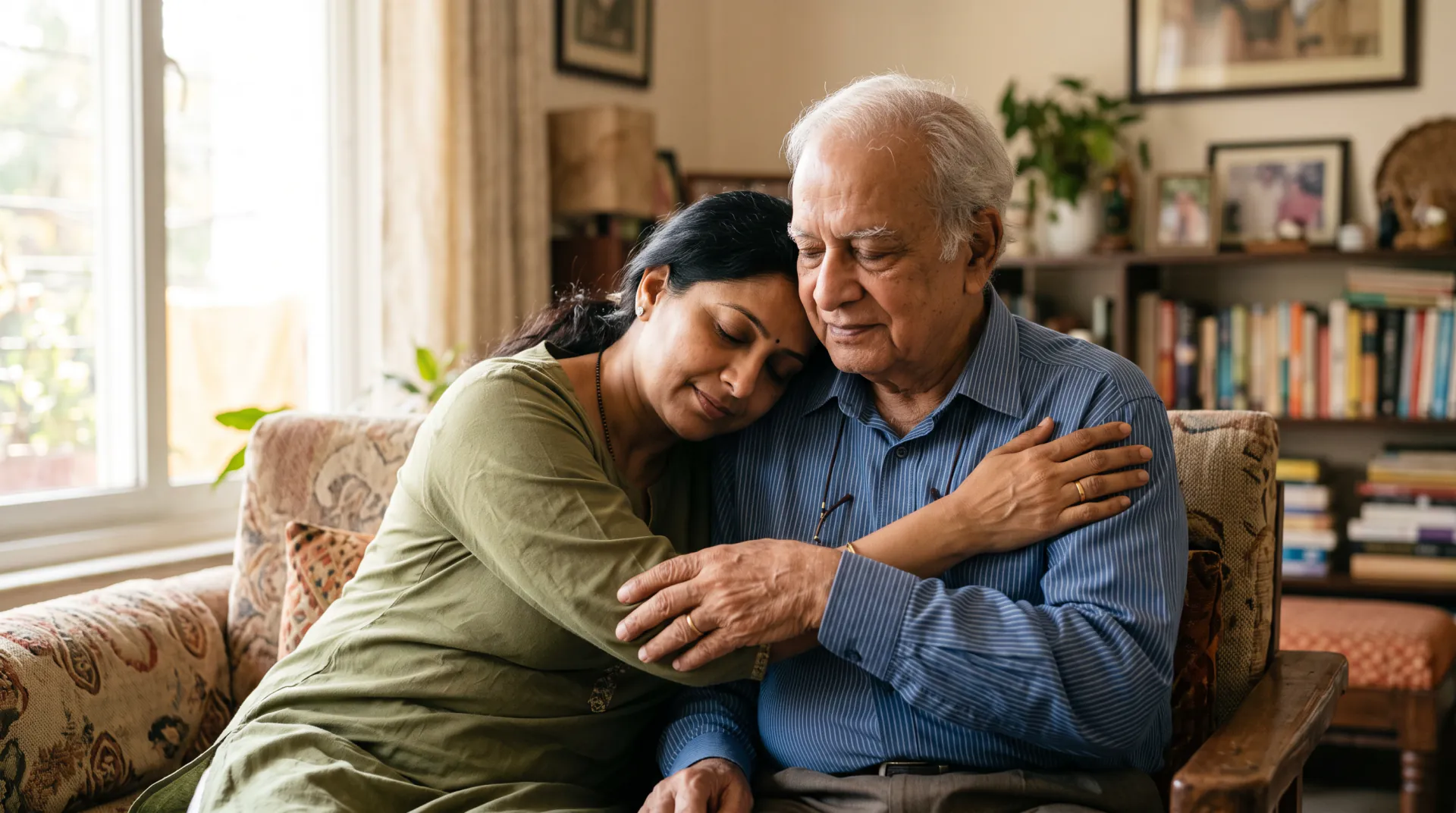
Scan an old print or use a black-and-white photo of your loved one. Pair it with a photo of you, or use one old photo of you together, and see a long, gentle hug.

  • First 5-second video free
  • Your photo + theirs
  • 5, 8 or 10 seconds
A photo of you and a photo of your loved one, or one photo of you together. PNG, JPEG or WebP, 10 MB each.
Try
Photos
Shape
Resolution
Length

150 credits

Buy credits

Add a photo to begin

At a glance

From an old photo, even a black-and-white one, Memorial Hug Video makes a 5 to 10 second hug video: add a photo of you, or use one photo of you together. It costs 30 credits a second; the first 5-second video is free for a new account, once per network (an IPv4 address or IPv6 /64) every 30 days.

Old photos
Scanned prints and black-and-white photos work
Look
The instruction keeps a black-and-white or old photo's look
Price
30 credits per second; a 5-second video is 150 credits (about $1.36 to $1.50)
Free to try
First 5-second video free for a new account, once per network (an IPv4 address or IPv6 /64) every 30 days

Old photos, gently kept

  • 01

    Black and white stays black and white

    The instruction asks the model to keep a black-and-white or old photo's look, so the video feels like the photo you know.

  • 02

    Prints and scans

    A phone photo of a print works if it is flat, sharp and free of glare; a scan is better.

  • 03

    With you, or together

    Pair the old photo with a recent photo of you, or use an old photo of the two of you as the first frame.

How to make a hug video from an old photo

  1. 01

    Digitize the print

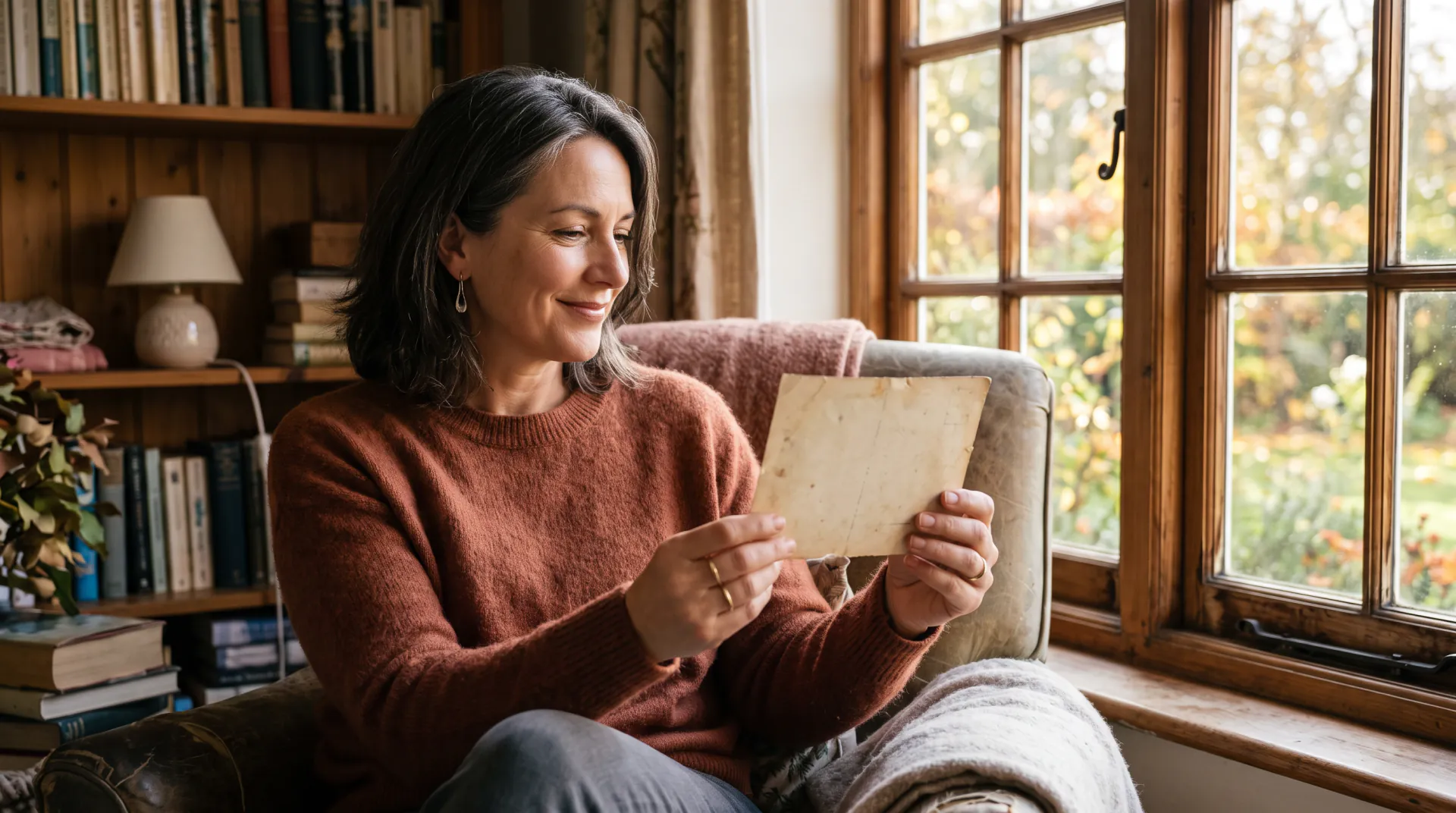
    Scan it, or photograph it flat in daylight, and crop it around the face.

  2. 02

    Add your photo

    Upload a photo of you too, or use one old photo of the two of you.

  3. 03

    Describe and make

    Name a place, keep the old look if you like, and download the MP4.

Getting the most from an old photo

Old photos are often small, soft or faded. Scan the print at the highest resolution you can, or photograph it flat by a window, then crop it so the face fills most of the frame. Do not sharpen it heavily; the model handles a little grain well.

If one photo is black and white and the other is in color, say in your prompt which look you want, for example 'keep the black-and-white look'.

Choosing the photos

The model can only keep what it can see. A clear face in each photo matters more than the age or quality of the photo.

  • A face that is sharp, well lit and turned toward the camera
  • At least head and shoulders; waist-up photos give the arms room
  • For a printed photo, scan it or photograph it flat in daylight, without glare
  • Crop a group photo so your loved one fills most of the frame
  • No sunglasses, heavy filters or stickers over faces
  • In one photo of you together, a little space between you

A gentle note before you begin

A memorial hug video is an AI recreation made from your photos. It is not a recording, and it cannot show a moment that really happened. Small details, such as hands or the way someone moves, may look different from how you remember them.

Watching it may feel emotional. Take your time, watch it first in a quiet moment, and share it only with people who would want to see it. You can ask us to delete your photos and videos, or your whole account, at any time by writing to [email protected].

Old photo hug FAQ

Will the video stay black and white?

The instruction asks the model to keep a black-and-white or old photo's look, and you can repeat it in your prompt. With one color photo and one black-and-white photo, the result may lean toward either.

Can I use a photo of a printed photo?

Yes. Photograph it flat in daylight, with no glare or shadows across the face, and crop it so the face is large. A scan gives the most detail.

What if the face in the old photo is very small?

Crop the photo around the face before you upload it. Very small or blurred faces are harder to keep, so the result may look less like the person.

Start from the photo you treasure

Scan the old photo, add one of you, and describe a quiet place.

Last updated November 9, 2026

Create your account